How to Build a Small-Office Network That Won't Fall Over
A dependable 10-to-30-person network is not complicated — it is just a few good parts wired in the right order. Here is the exact build, step by step.
The difference between an office network that "just works" and one that drops calls every afternoon is not luck — it is a handful of decisions made in the right order. This build handles 10 to 30 people, wired and wireless, with room to grow. Total parts cost lands well under what a single day of downtime would cost you.
The build, step by step
- 1Start with the switch
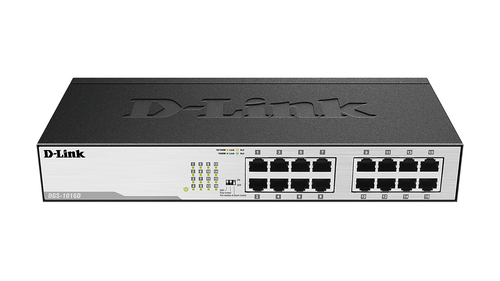
Everything hangs off the switch, so buy a managed one — you will want VLANs and PoE the moment you add cameras or phones. Size it for double your current device count.
- 2Add wireless with real access points
Do not use a consumer router for Wi-Fi in an office. A pair of ceiling access points beats any all-in-one box and roams cleanly as people move between rooms.
- 3Put a proper firewall at the edge
A small business firewall/router gives you a guest network, VPN for remote staff, and actual logging. This is your front door — do not cheap out on it.
- 4Protect it with a UPS
One power flicker should never reboot your whole network. A UPS gives you clean power and enough runtime to ride out blips or shut down gracefully.
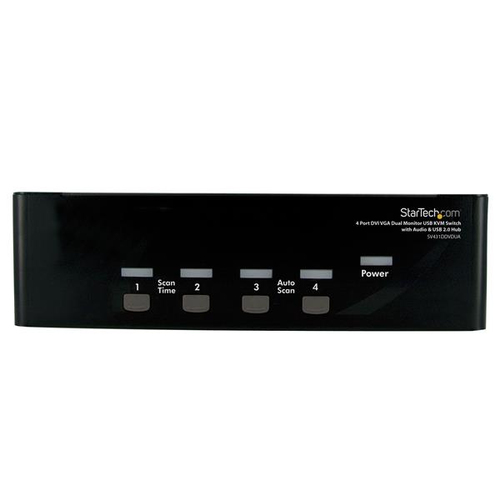
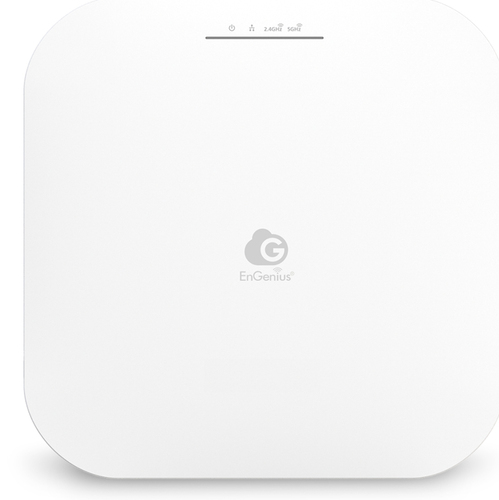
Business Wi-Fi that roams. Add one per ~2,000 sq ft.
iperf3 run between two wired machines before you call it done.The full parts list
Here is everything in one place. Add it all to the cart, or contact us for a quote if you would rather we spec and price the whole build for you.
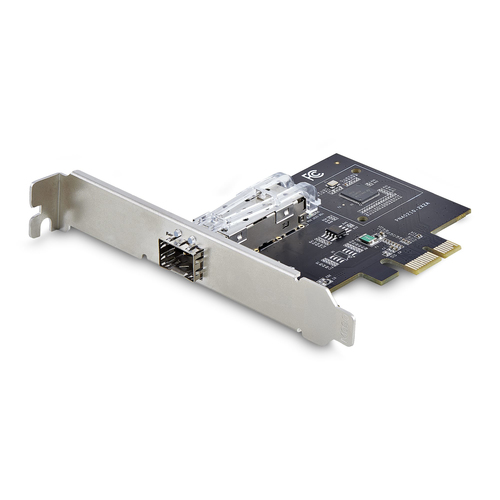
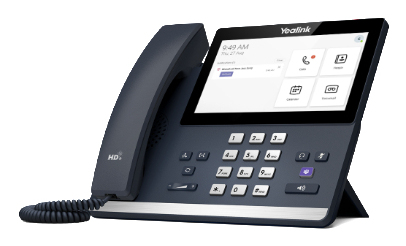
We quote volume orders directly. Get a quote →